Faster Load Times
Pages load in under 2 seconds once installed, cutting the wait between login and your first spin or bet compared to browser sessions.

The Legendz Casino app supports multiple languages. Players across the United States download the APK free and legal from this page. Every casino and sportsbook feature runs on Android and iOS, with deposits via Visa, Mastercard, Discover, American Express, Apple Pay, Google Pay, Skrill, Trustly, and Instant Bank Transfer.
New players claim 500 Gold Coins (GC) plus 3 Sweeps Coins (SC) free, a 100% Gold Coin bonus, with a minimum package purchase of 9.99 USD.
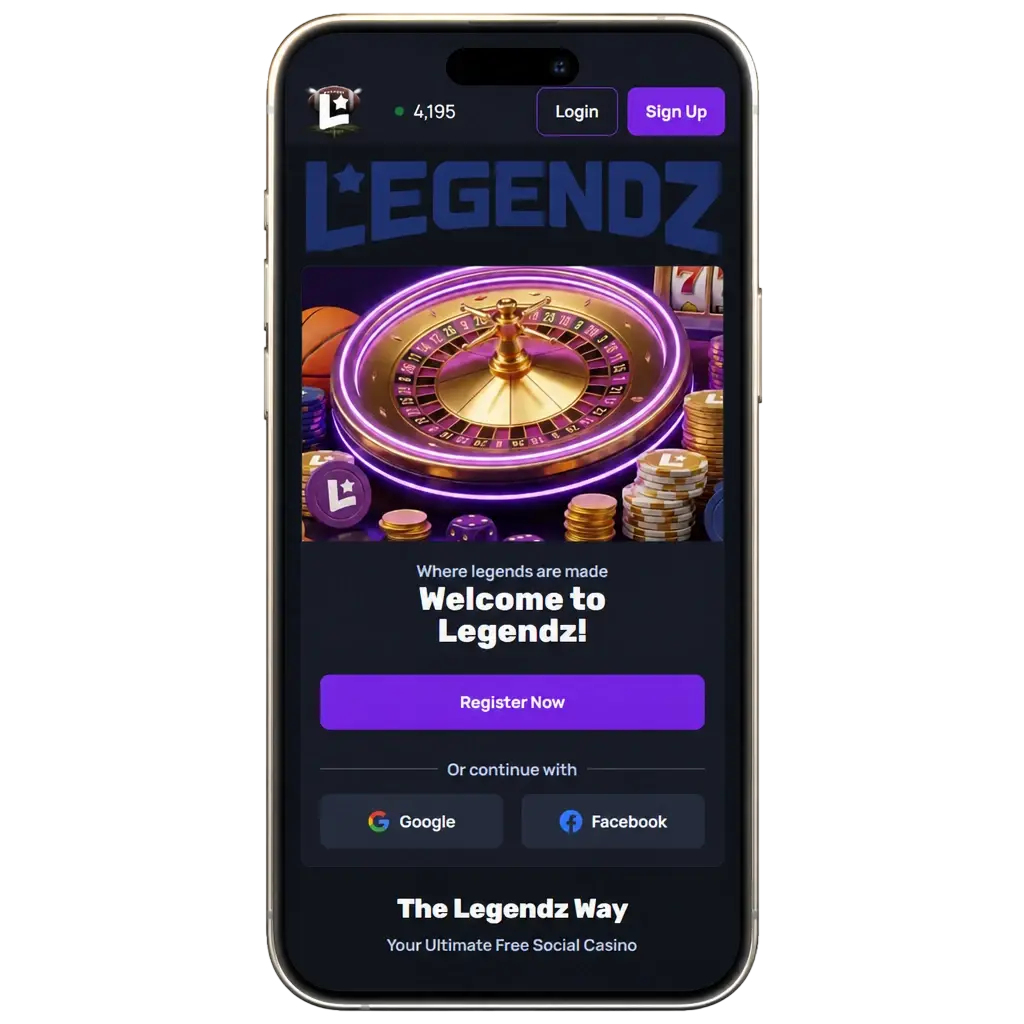
The official Legendz Casino app runs on Android and iOS devices. Below is a snapshot of the core specifications for United States players.
Category
Social Casino & Sportsbook (Sweepstakes)
Operating Systems
Android 8.0+, iOS 14+
Cost
Free download
Countries Available
United States (excludes Washington)
Languages Supported
English
Currencies Supported
Gold Coins (GC), Sweeps Coins (SC), USD
Available in United States
Yes
Android users install the Legendz Casino APK within minutes. The process runs free of charge and skips the Google Play Store entirely. Follow these four steps to install the app and start playing today.
Tap the download button on this page to begin the APK transfer.
Confirm the download by tapping Accept on the prompt that appears.
Open your device settings and enable installs from unknown sources for the browser you used to download the file.
Open your downloads folder, tap the APK file, and confirm the installation to finish setup.
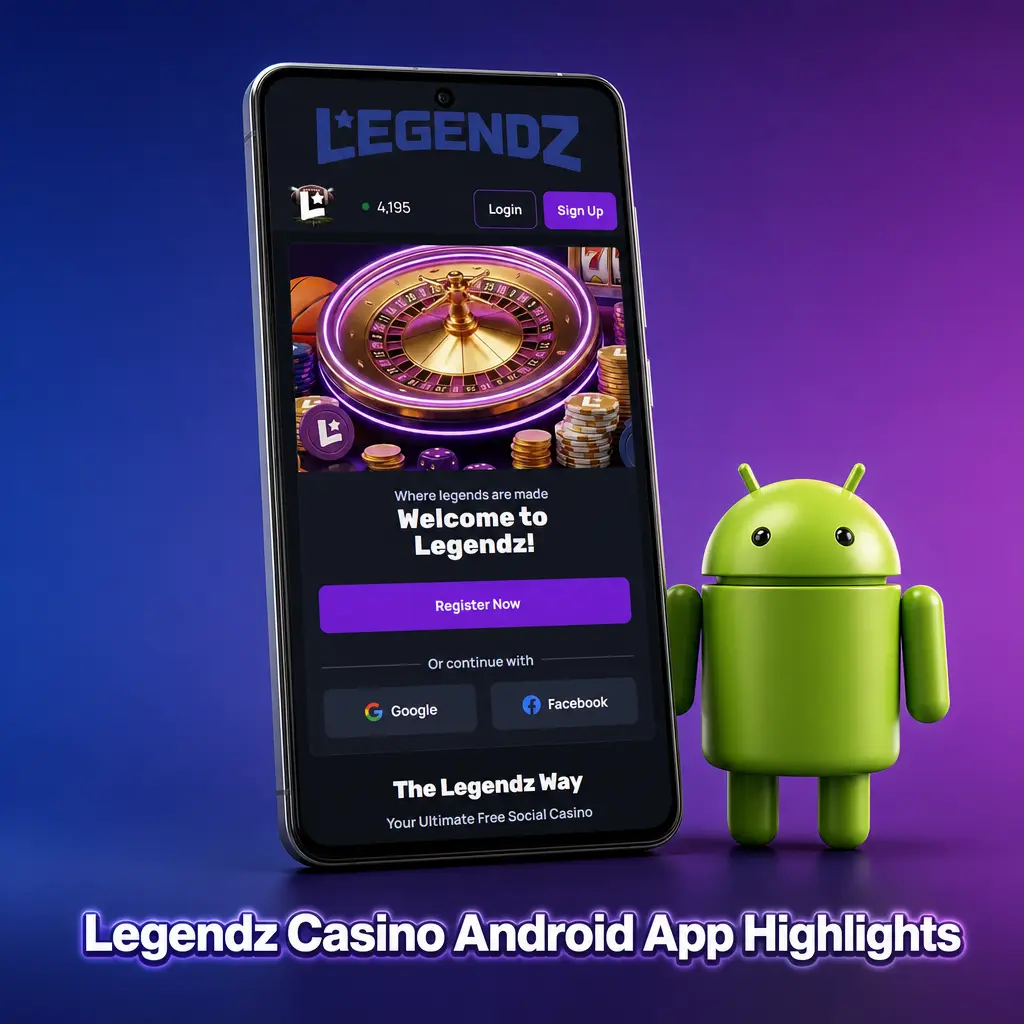
The Legendz Casino Android app downloads free and puts every casino game and sportsbook market in your pocket. Play on the go, wherever a data or WiFi connection reaches. Installation steps appear in the section above.
Check your device against these minimum specifications before you install the app.
| Requirement | Details |
|---|---|
| Android Version | 8.0 or higher |
| RAM | 2 GB minimum |
| Free Storage | 150 MB |
| Processor | 1.5 GHz quad-core or better |
The app runs on popular Android devices across the United States. Check the list below for compatible models.
iPhone and iPad users install the Legendz Casino app in five quick steps. Follow the process below to get started.
Tap the Download iOS App button on this page to launch the install link directly in Safari.
Accept the installation prompt that opens automatically once the link loads.
Open Settings, then General, then VPN & Device Management, and trust the Legendz Casino profile.
Locate the new app icon on your home screen after the profile installs.
Tap the icon, then log in or register to start playing.
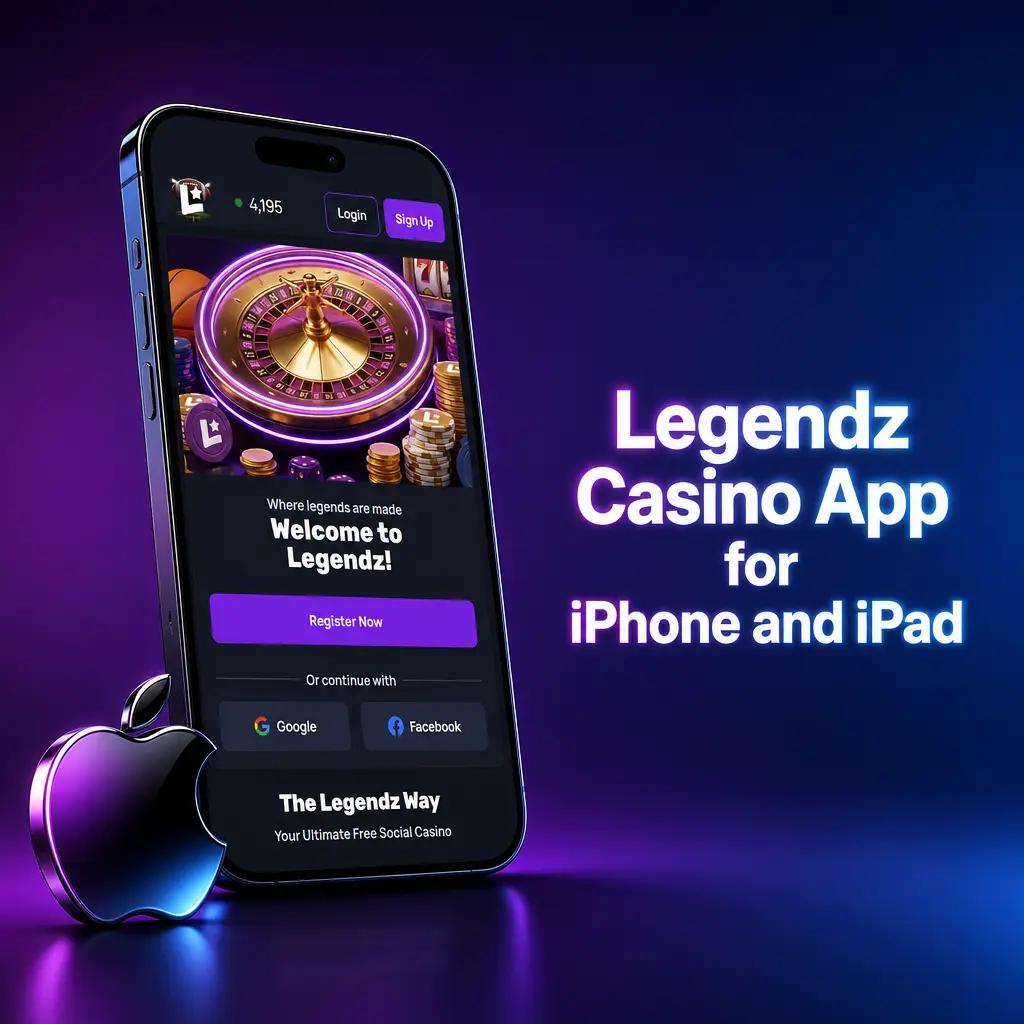
The Legendz Casino app runs on iPhone and iPad with low system demands. Download costs nothing, and the app replicates full website functionality, from live betting markets to slot games and table games. iOS 14.0 or higher is required, along with 200 MB of free memory. Every feature found on desktop appears here, resized and optimized for a touchscreen.
Confirm your iPhone or iPad meets these specifications before installation.
| Requirement | Details |
|---|---|
| iOS Version | 14.0 or higher |
| RAM | 2 GB minimum |
| Free Storage | 200 MB |
| Processor | Apple A10 chip or newer |
The app functions well on recent generations of Apple hardware. Compatible models include:
This comparison shows how the app improved with its latest update.
| New Version | Old Version |
|---|---|
| Biometric login (Face ID, fingerprint) | Password-only login |
| Live streaming on 40+ sports markets | No live streaming |
| Average load time under 2 seconds | Average load time of 5+ seconds |
| Push notifications for odds boosts and bonuses | No push notifications |
| Instant Bank Transfer withdrawals completed in one tap | Withdrawal requests only through customer support |
Registration through the app takes less than three minutes. Players must be 18 or older to sign up.
Once registration is complete, deposit funds and start playing casino games or placing bets right away.
Tap the Download App button on this page and open the app once installed.
Select Registration on the home screen and choose your preferred sign-up method: email or phone number.
Fill in your name, birth date, country, and preferred currency (USD).
Confirm your details and tap Create Account to finish the process.
Regular updates keep the app fast and secure. Update steps differ slightly between Android and iOS. Updates deliver new features, security patches, and bug fixes with every release.
Tap the Update Now button on this page to check for the latest APK version.
Download the new APK file directly to your device.
Open the downloads folder and tap the new APK file to install.
Confirm the prompt to overwrite the previous version.
Open the updated app and log in to continue playing.
Tap the Update Now button on this page to access the latest version link.
Go to Settings, then General, then VPN & Device Management.
Confirm trust for the Legendz Casino developer profile again if prompted.
Follow the install prompt to replace the older version.
Open the app and check the version number in the account menu.

New players pick between two welcome offers inside the Legendz Casino app. The Casino package delivers 500 Gold Coins (GC) plus 3 Sweeps Coins (SC) free, a 100% match on your first Gold Coin purchase up to 9.99 USD, plus 50 bonus spins on select slots. The Sports package grants 3 SC free and a 100% Gold Coin match up to 19.99 USD for use across sportsbook contests. Select your preferred offer during registration, then complete the minimum package purchase to activate the bonus.
Placing a bet takes less than a minute once your account holds Sweeps Coins.
Tap the Start Betting button on this page, then launch the app on your device.
Select from the sportsbook menu, covering NFL, NBA, MLB, and 30+ other disciplines.
Pick Single, System, or Accumulator, then tap the odds you want to add to your slip.
Type the number of Sweeps Coins to wager and review the potential payout.
Tap Place Bet to lock in your selection.
Track the event live, then redeem winnings or roll them into your next wager.
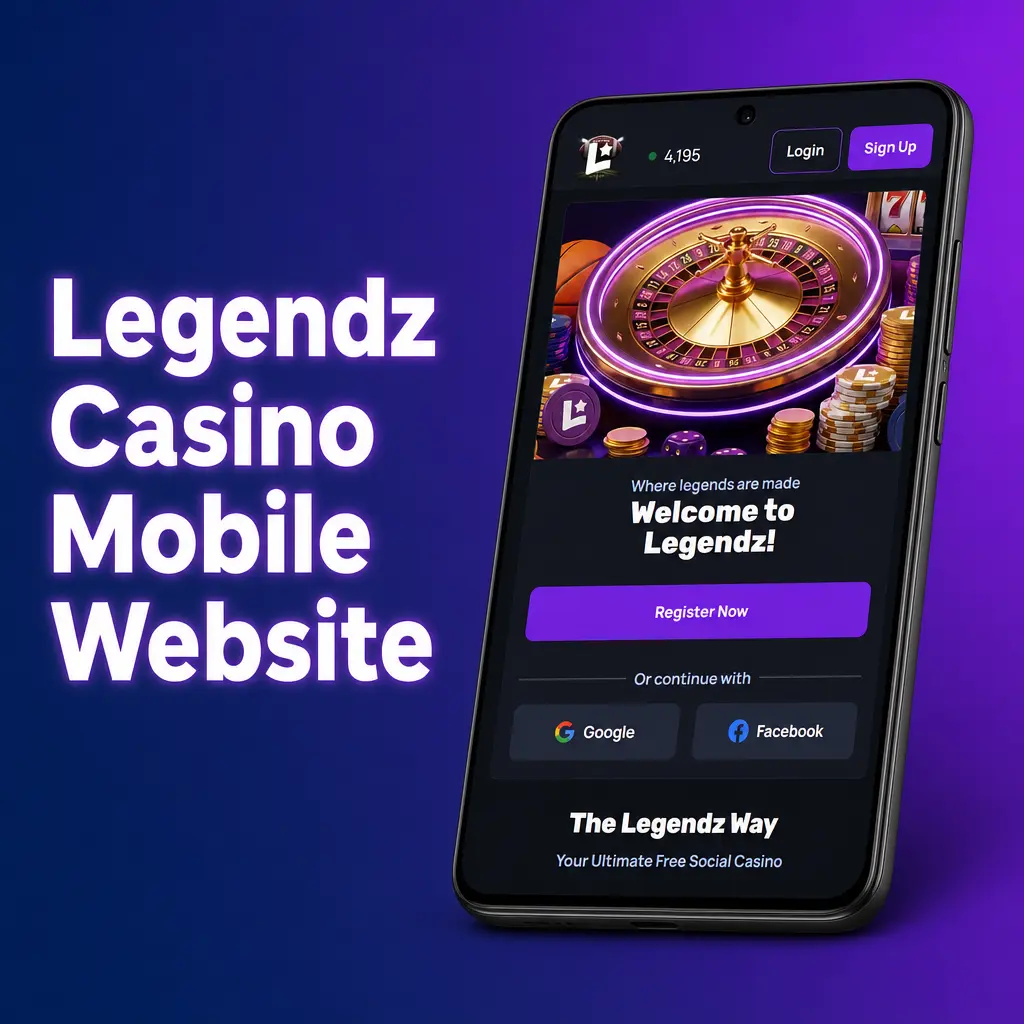
Legendz Casino runs a mobile site built for every smartphone and tablet browser. It carries the same game library and sportsbook menu found in the app. Place bets, spin slots, and manage your account without downloading anything. Log in through Chrome, Safari, or any mobile browser and play instantly.
The mobile site delivers nearly every feature found in the app, yet many players still prefer the dedicated download.
| Application | Site |
|---|---|
| Installs once, launches from home screen icon | Requires browser navigation each session |
| Push notifications for odds boosts and bonuses | No push notifications |
| Biometric login (Face ID, fingerprint) | Manual password login only |
| Loads in under 2 seconds after first install | Loads based on browser cache and connection speed |
| Works offline for account and bonus review | Requires active connection at all times |
The app holds an advantage in speed, stability, and convenience. Loading times stay consistent regardless of browser cache, and biometric login skips repeated password entry. Notifications keep you informed of new odds boosts, promotions, and Sweeps Coin drops the moment they post. For daily bettors and slot players, the dedicated app removes the extra steps that come with playing through a browser.

The app covers wagering in both LIVE and LINE modes, with Single, System, and Accumulator bet types on every slip. Every official sport and eSport competition gets its own page, complete with team statistics and matchup history. Live match video keeps you connected to the action while your bet stays open. Coverage includes:
Live events populate the home screen, so switching from a sportsbook slip to a slot spin takes one tap. The casino library carries table games and slots from established studios such as Pragmatic Play, NetEnt, and Evolution. A live casino section streams professional dealers across blackjack, roulette, and baccarat tables around the clock. Daily promotions and Sweeps Coin drops rotate through the casino lobby, rewarding regular play. Check the Promotions tab inside the app for current offers before you spin or sit at a live table.
The app delivers several advantages over browser-based play.
Pages load in under 2 seconds once installed, cutting the wait between login and your first spin or bet compared to browser sessions.
Face ID or fingerprint access replaces manual password entry, getting you into your account and onto the lobby screen in seconds.
Instant alerts flag odds boosts, Sweeps Coin bonuses, and live event kickoffs, so you never miss a promotion or game start.
Review your balance, bonus history, and past bets without an active connection, then sync automatically once you reconnect.
Certain Sweeps Coin bonuses and free spin drops appear only inside the app, separate from the standard website offers.
Players in the United States fund their account through:
Deposits post instantly once confirmed, and most withdrawal methods process within minutes. The minimum package purchase starts at 9.99 USD, and Sweeps Coin redemptions start at 50 SC. Instant Bank Transfer and Trustly typically clear the fastest for both directions.
The app runs as a legitimate sweepstakes promotion, compliant with United States gaming law across 49 states. Every session runs behind 256-bit SSL encryption, protecting personal and payment data from end to end. Age verification confirms every player is 18 or older before Sweeps Coin redemption. Download the APK straight from this page instead of unofficial app stores to avoid tampered files.
Yes. The app operates as a sweepstakes promotion, legal in 49 states, with Washington excluded from Sweeps Coin play.
No. The Legendz Casino app downloads free on both Android and iOS, with no subscription or download fee.
Yes. Navigate to the Redeem tab, select Instant Bank Transfer or another supported method, and submit a request starting at 50 SC.
No. Android users install the APK directly from this page, and iOS users install through a trusted developer profile in Safari.
You must be 18 or older to register and play, verified during the sign-up process.
Updated: